
Images can be placed into a document when using one2edit™ v3.8. or higher.
NOTE:
Placing items into a document creates frames for those items. Frames can only be created in the 'Master Document/Project Editor'.
Click 'File > Place'
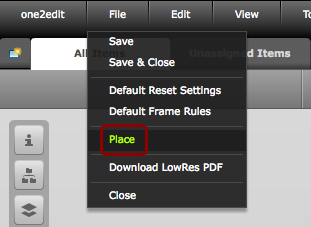
Click 'File > Place' to place an image into a document.
Select image
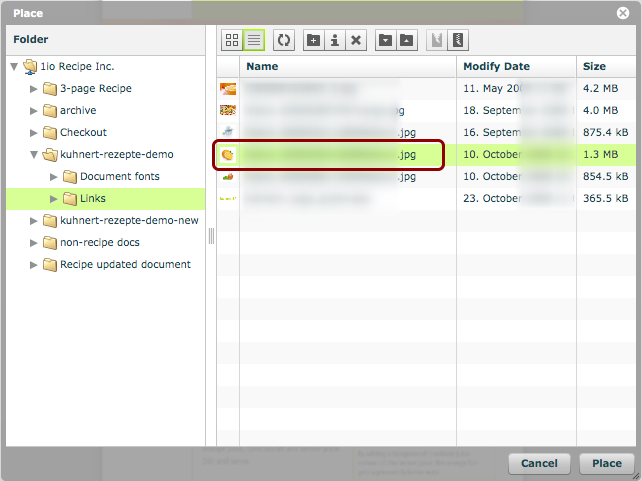
Select the image that you wish to place.
Click 'Place'
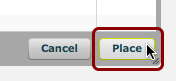
Click the 'Place' button.
Place image
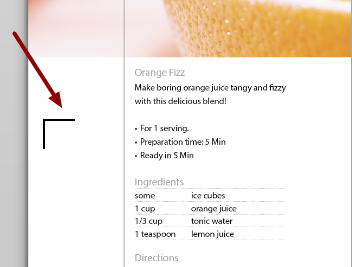
Use the cursor to place the image at the desired location.
Image rendered
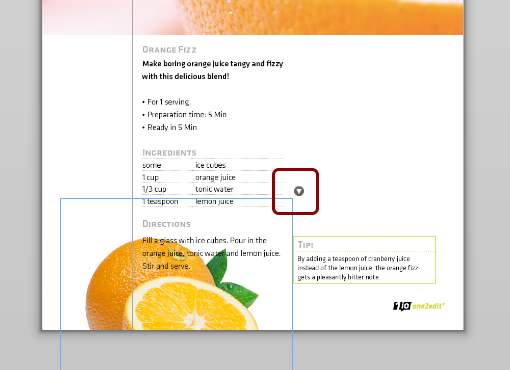
The image has now been placed (with a new frame) into your document.
'Edit Image'
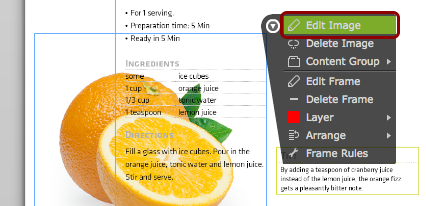
This image can now be edited as normal. Use the menu offered by the little arrow in the corner of the image frame. Select 'Edit Image' to open the 'Image Editor'.
Click 'Apply'
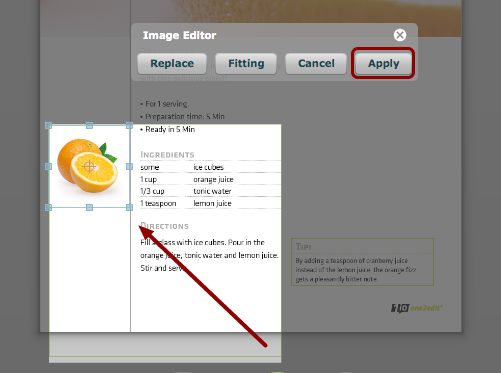
When you are done editing, click 'Apply'.