
Here we look at the 'Users and Groups' option from the 'Settings' menu.
The ability to create and modify user groups, each with their own permissions/privileges, is a powerful tool for an administrator user.
Furthermore, users from managed user servers can be added directly to the one2edit system, meaning that existing user credentials can be used with one2edit.
Click 'Settings > Users and Groups'
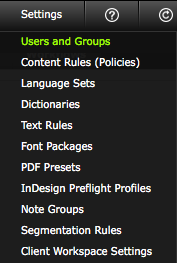
Click on the 'Users and Groups' option in the 'Settings' menu.
'Users and Groups' window
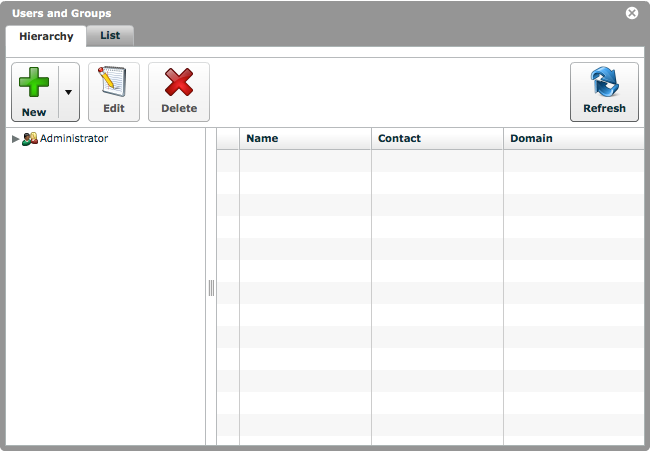
The 'Users and Groups' window will now open.
There will be a default 'Administrator' group already present.
'Hierarchy' tab
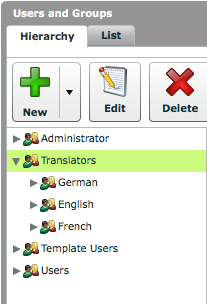
The 'Hierarchy' tab displays the user group structure.
It is very easy to organize users into a structured hierarchy of groups using this view.
'List' tab

The 'List' tab displays a list of all the users that exist in this client workspace.