
Font packages are ZIP archives containing font files.
Once these are uploaded to a one2edit™ workspace, any projects/documents in the same workspace can make use of these fonts.
Click 'Add Package'
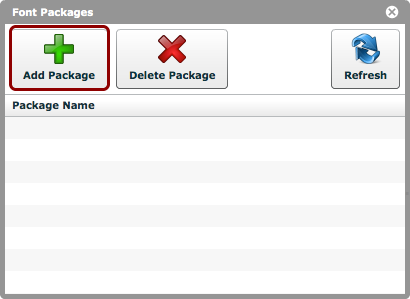
Click the 'Add Package' button, and choose the font package (ZIP file format) from your hard-drive.
Font package uploaded
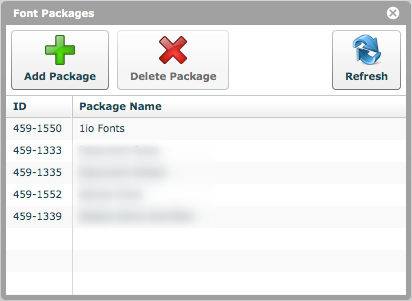
The font package should now be visible in the package list, as shown.
Any one2edit™ project created from this point can use fonts from that font package.