
Font packages can also be deleted from a one2edit™ workspace.
Click 'Delete Package'
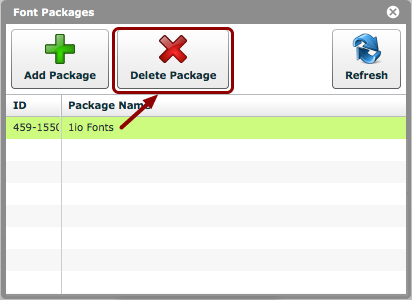
Select the font package to be deleted, and click the 'Delete Package' button.
Click 'Yes'
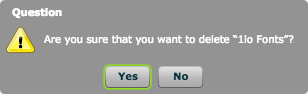
Click the 'Yes' button when asked if you are sure that you want to delete the font package.
Font package deleted
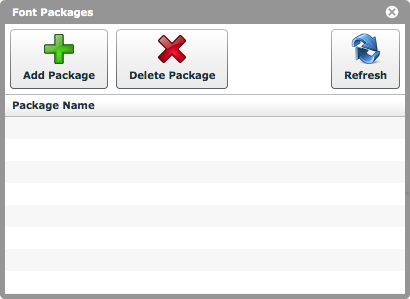
The font package will disappear from the list.
The fonts from that package will no longer be available to projects/documents in this workspace.