
Preflight profiles can be exported from Adobe® InDesign® and uploaded to a one2edit™ workspace.
These can help to inform you if your InDesign documents are adhering to your marcom department requirements.
Click 'Settings > InDesign Preflight Profiles'
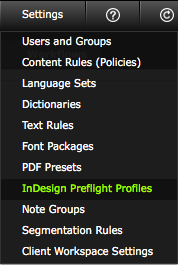
Click on the 'InDesign Preflight Profiles' option in the 'Settings' menu.
'InDesign Preflight Profiles' window
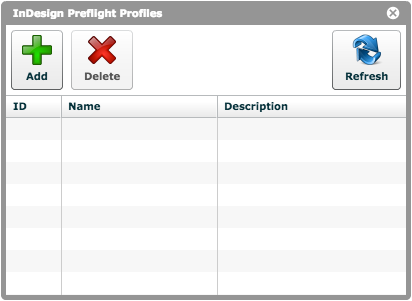
There are no preflight profiles included in the workspace.
You should upload your own profiles, exported from Adobe® InDesign®, that relate to your own requirements.