
PDF preset files (in a .joboptions format) can be uploaded to a one2edit™ workspace.
Click 'Add'
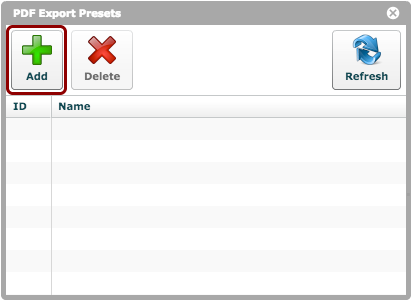
Click the 'Add' button in the 'PDF Export Presets' window.
Choose the appropriate .jopoptions file from the system window.
Presets uploaded
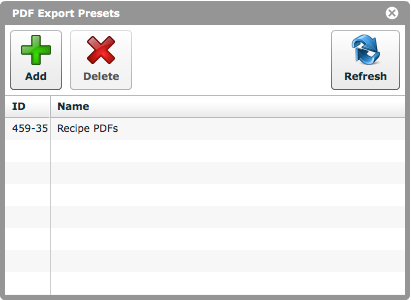
You will now see the chosen presets uploaded, as shown.
The uploaded presets can be used to export PDFs from the workspace to which they have been uploaded.