
PDF presets can also be removed/deleted from a workspace, if desired.
Click 'Delete'
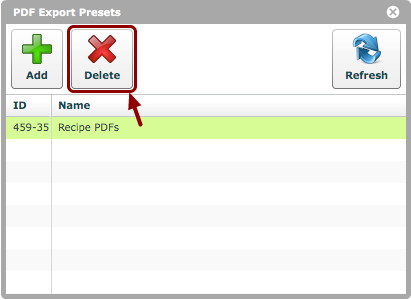
Select the presets to be deleted and click the 'Delete' button.
Click 'Yes'
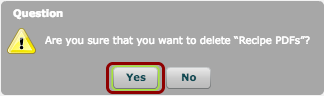
Confirm that you wish to delete the presets by clicking 'Yes'.
Presets deleted
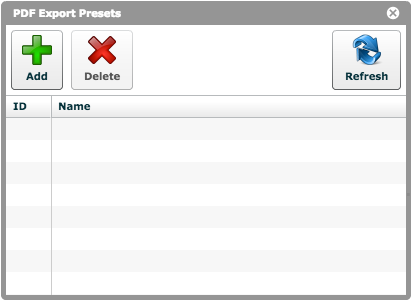
The selected presets will now be gone from the list.