
Note groups color code notes within a document.
They make it easy for users to concentrate only on the notes that are meant for them (or their group).
Click 'Settings > Note Groups'
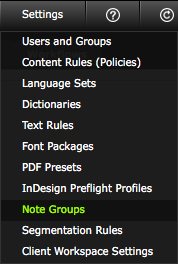
Click on the 'Note Groups' option in the 'Settings' menu.
'Note Groups' window
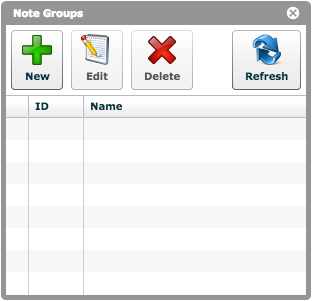
There are no default note groups in your one2edit workspace.
However, you can easily create any desired groups by following the steps in the next lesson.