
Creating a new note group is easy, not to mention useful.
They can help to distinguish which notes meant for whom within a document.
Click 'New'
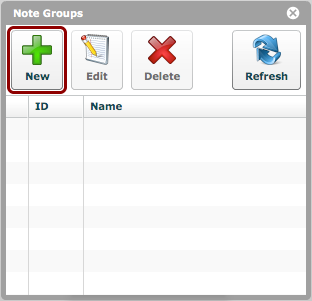
To create a new note group, click the 'New' button.
Edit details
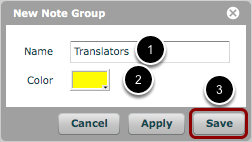
- Give the new note group a name.
- Select a color for the note group. This color determines the color of the marking that appears beside notes for this group in a document notes window.
- Click 'Save'
Note group has been created
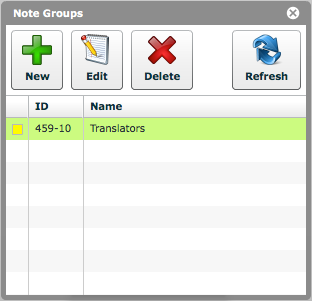
The new note group is now visible in the list.
Edit a note group
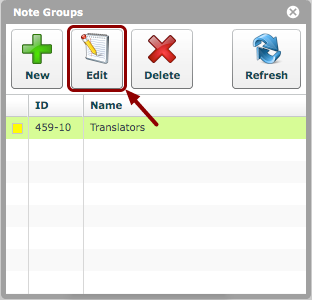
If desired, an existing note group can be edited by selecting the group and clicking 'Edit'.