
This section shows you how to open a master document in the 'Master Document Editor'.
The following content is an excerpt of a workshop. To see this lesson in context, please refer to "Workshop 1: How to create a Translation Job Project and work with 'Translation' Content Groups (Steps 6-7)".
NOTE:
A detailed description of any window used here can be found in the 'User Interface Description' sections.
Let's get started!
Open your Project

Double-click on your master document to open the 'Master Document Editor' (MDE).
Master Document Editor
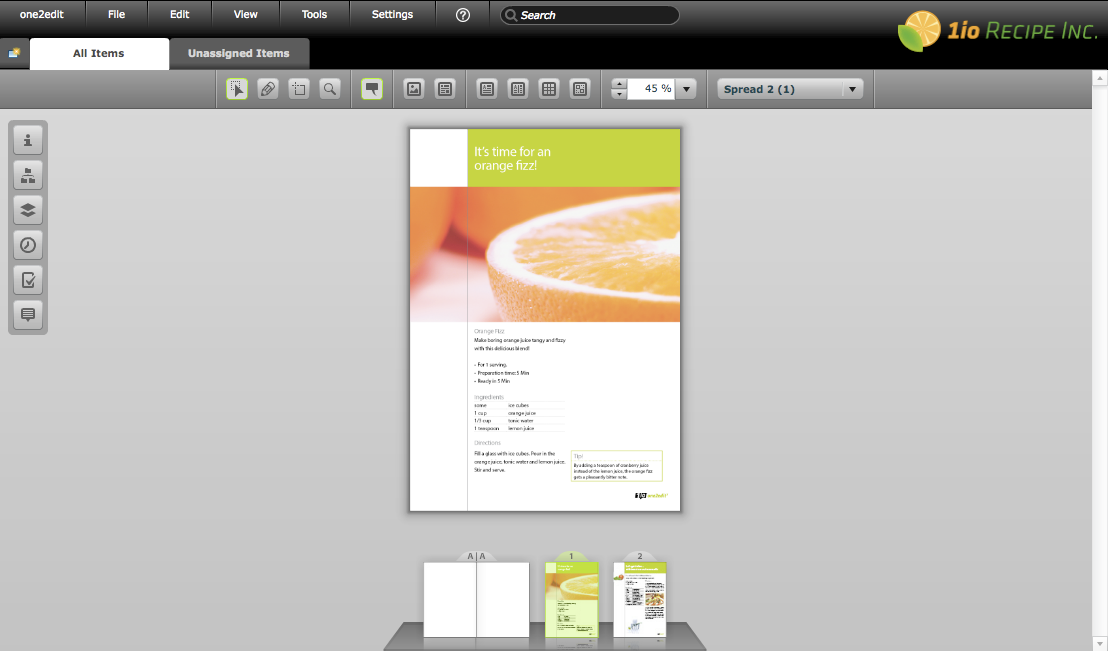
When the 'Master Document Editor' (MDE) opens, it will display a preview of the first page of your document. For a detailed description of the toolbars and icons, please refer to the 'Master Document Editor' section of the one2edit™ User Interface Description.