
If a content item (e.g. text segment) is placed into a content group, it will be editable during the workflow for that content group.
If you do not want certain items to be editable, then you need to remove those items from all content groups.
Remove content items from a content group
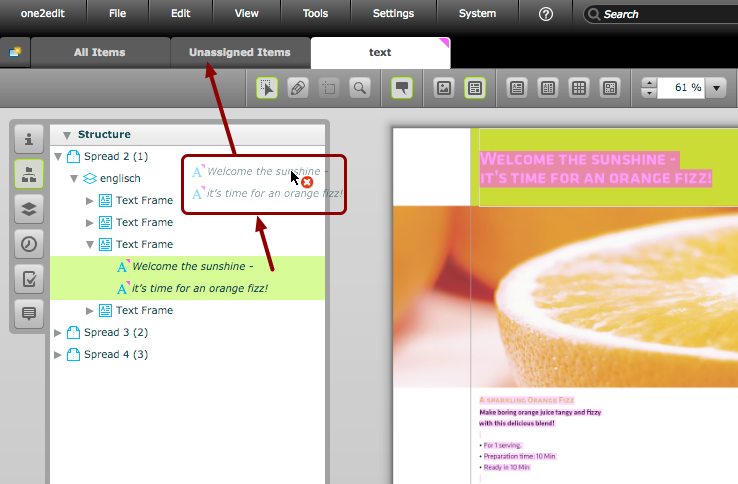
Drag the content items to the 'Unassigned Items' tab. This will unassign those content items from all content groups.
You can drag content from the document preview or from the 'Structure' panel (as shown above).
NOTE:
You can use the filters in the 'Structure' panel to filter in only those items that you want removed (e.g. all images). You can then select all of those items and drag them all to the 'Unassigned Items' tab in one go.