
After font packages have been uploaded to a one2edit™ workspace, any projects/documents in the same workspace can make use of these fonts.
Font packages are ZIP archives containing font files.
Click 'Font Packages'
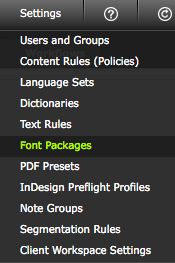
Select the 'Fonts Packages' option from the 'Settings' menu.
Click 'Add Package'
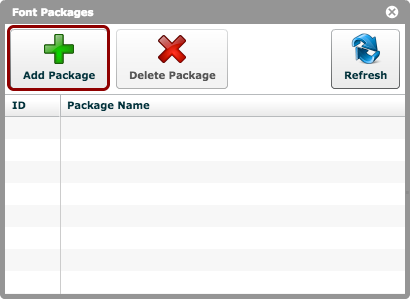
Click the 'Add Package' button, and choose the font package (ZIP file format) from your hard-drive.
Font package uploaded
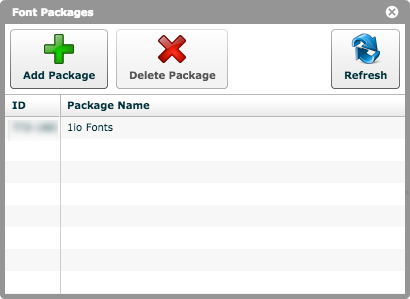
The font package is now visible in the package list.
All one2edit™ projects can now access these fonts.