
PDF preset files (in a .joboption format), which have been exported from Adobe® InDesign®, can be uploaded to a one2edit™ workspace.
Click 'Add'
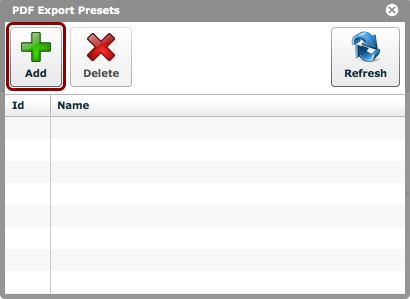
Click the 'Add' button in the 'PDF Export Presets' window (via 'Settings > PDF Presets').
A file-explorer window will open, allowing you to choose the appropriate .jopoptions file from your local hard drive.
Presets uploaded
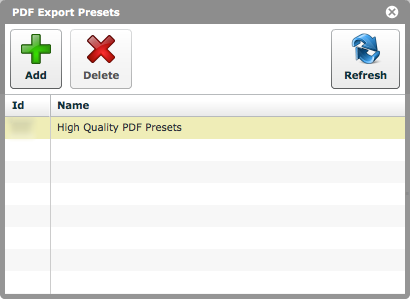
The uploaded PDF-export settings will now be visible in the 'PDF Export Presets' window, and will be available when exporting PDFs from your one2edit™ Client Workspace.
NOTE:
Please ensure that the uploaded filenames are meaningful, as it is not possible to query or edit these presets via one2edit™.