
InDesign® preflight profiles (.IDPP files), which have been exported from Adobe® InDesign®, can be uploaded to your one2edit™ workspace.
Click 'Add'
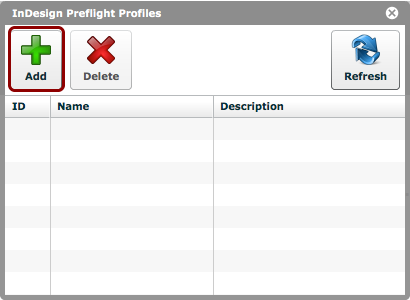
Click the 'Add' button in the 'InDesign Preflight Profiles' window (via 'Settings > InDesign Preflight Profiles').
A file-explorer window will open, allowing you to choose the appropriate .idpp file from your local hard drive.
Preflight profile uploaded
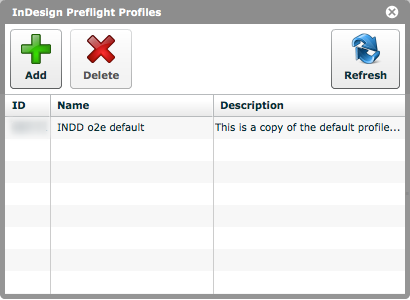
The uploaded preflight profile will now be visible in the 'InDesign Preflight Profiles' window, and will be available when performing preflight checks from your one2edit™ Client Workspace.
NOTE:
Please ensure that the uploaded filenames are meaningful, as it is not possible to query or edit these preflight profiles via one2edit™.