
Note Groups can be used to distinguish (through color-coding) groups of notes from one another (e.g. notes for a group of users, spelling errors, etc.).
Create new Note Group
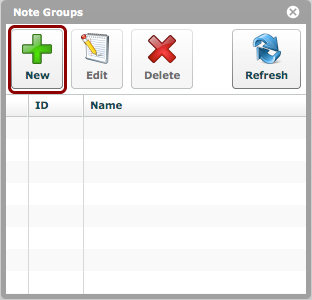
Click the 'New' button in the 'Note Groups' window (via 'Settings > Note Groups').
Edit details
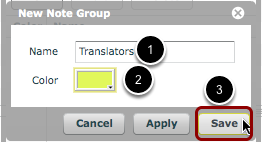
- Give the new Note Group a name.
- Select a color for the Note Group. This color determines the color of the marking that appears beside notes for this group in a document notes window.
- Click 'Save'
Note Group has been created
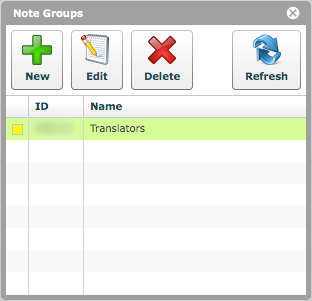
The new Note Group is now visible in the list.
Edit or delete a Note Group
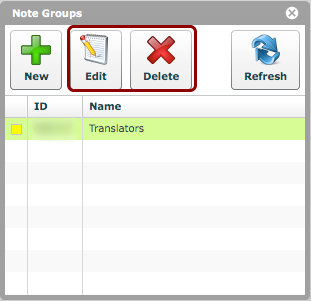
A selected Note Group may be edited or deleted.